The most useful fashion wishlist does more than store product links. It keeps the saved item connected to its variant, identifies reachable shoppers without forcing an early login, and responds when time, price, or inventory changes the buying decision.
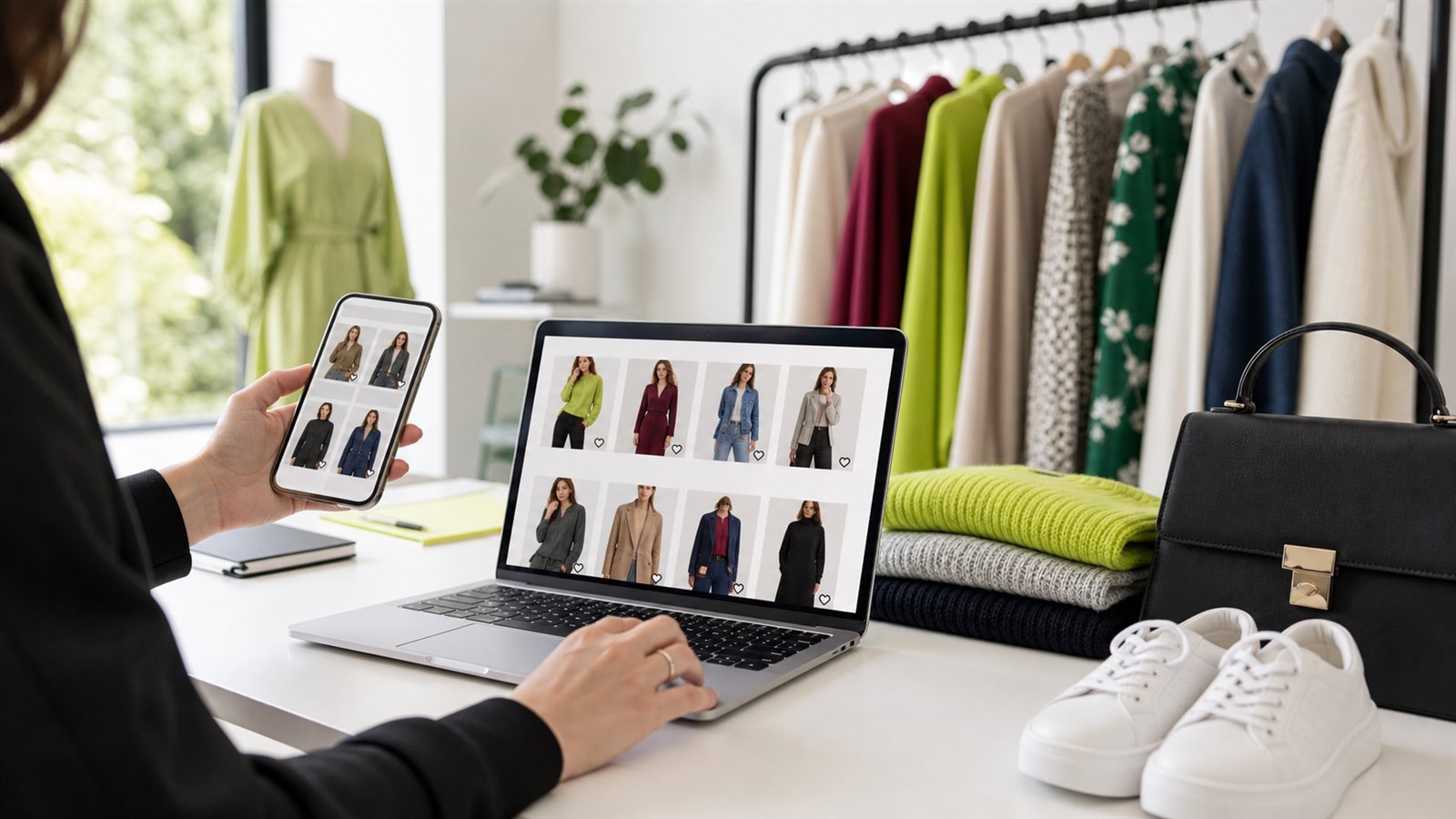
Fashion wishlists connect product discovery with a later reason to return.
Why wishlists matter for fashion stores
Fashion purchases rarely depend on product interest alone. A shopper may also need to decide on fit, color, styling, delivery timing, or budget. Inventory changes at variant level, promotions alter the value of waiting, and seasonal collections create a shorter decision window.
These conditions create several common save-and-return journeys:
| Shopper situation | What the wishlist preserves | Useful follow-up |
|---|---|---|
| Comparing colors or silhouettes | The exact products under consideration | Wishlist reminder |
| Waiting for a promotion | Interest before the price changes | Price-drop alert |
| Preferred size is unavailable | Product and variant intent | Back-in-stock alert |
| Delaying a high-consideration purchase | A deliberate shortlist | Reminder with relevant context |
| Hesitating while stock becomes limited | Interest in a product that may sell out | Low-stock alert |
This is different from an abandoned cart. A cart usually represents a later stage of purchase intent. A fashion wishlist can begin earlier, while the shopper is still building an outfit, comparing options, or waiting for the right condition.
The fashion wishlist recovery journey
A practical recovery journey has six connected stages.
1. Let shoppers save during discovery
Wishlist actions should be available where fashion discovery happens: the main collection page, product page, header, and any supported featured collection or quick-view surface.
The first action should remain simple. Requiring an account before a visitor can save a product introduces friction before the store has delivered enough value in return.
With TValue, guests can save without signing in. Stores that intentionally use an account-led model can require login, but open guest saving is usually the better starting point for a consumer fashion storefront.
For unusual theme sections, ask TValueApps to add theme support first. Custom placement is available when a merchant or developer deliberately wants to control the insertion point.
See Auto show wishlist button and Custom placement for the two placement models.
2. Ask for contact after the shopper has saved something
A guest wishlist records intent, but an email automation needs an eligible recipient. The timing of the contact request therefore matters.
TValue separates saving from identification. After a guest has at least one wishlist item, the wishlist page or popup can offer Sign in and Leave email. An optional contact popup can provide another opportunity after wishlist activity.
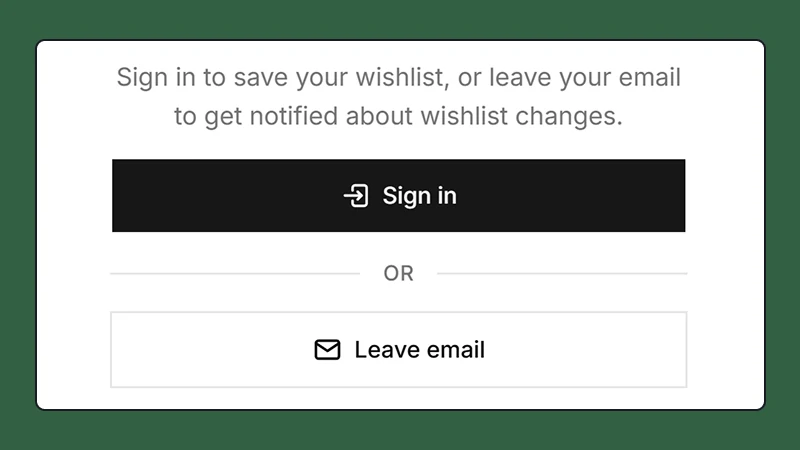
Let the shopper create value first, then offer a way to keep the wishlist connected.
This sequence is especially appropriate for fashion traffic from social media, creators, ads, or mobile search. The visitor can preserve an item immediately and identify the wishlist only after deciding it is worth keeping.
Read How to Add a Guest Wishlist to Shopify Without Login for the complete access and contact model.
3. Group recent saves into one reminder
A fashion shopper may save a top, trousers, shoes, and an accessory during the same browsing session. Sending one email for every save would turn a useful feature into unnecessary message volume.
TValue's Wishlist Reminder uses the configured delay as an aggregation window. The first qualifying save schedules the reminder. Additional products saved before that send time join the same message without restarting the original timer. Products removed before delivery are excluded.
The resulting email can present the shopper's recent shortlist as one coherent reminder.

A grouped reminder brings the shopper back to their saved selection without sending a message for every action.
Recipient-local scheduling is useful for international fashion stores. Instead of applying one store timezone to every shopper, local timing helps avoid delivering a promotional message while the recipient is asleep or during an unsuitable part of their day.
See How to Send Automated Wishlist Reminder Emails on Shopify for delay behavior and setup.
4. React to price and inventory changes
Time is not always the strongest reason to return. For fashion products, price and availability can be more relevant than another general reminder.
Use separate automations for separate changes:
- Price drop: notify eligible shoppers when a saved item meets the configured percentage reduction.
- Back in stock: notify shoppers when a saved product becomes available again.
- Low stock: notify shoppers when tracked inventory reaches the configured threshold.
Keeping these messages separate makes the subject and call to action credible. A back-in-stock email should lead with restored availability. A price-drop email should show the previous and current price. A low-stock email should state the inventory context without manufacturing urgency.
Variant behavior deserves particular attention in fashion. Test products with multiple sizes and colors, confirm Shopify inventory tracking, and verify that the email returns the shopper to a purchasable option. A generic product-level message is less useful when the saved size is still unavailable.
Read How Shopify Wishlist Price Drop and Back-in-Stock Alerts Work for the trigger differences.
5. Use discounts selectively
A discount can help a shopper make a decision, but it should not become the automatic response to every wishlist action.
Good moments for a discount include:
- A planned campaign around a seasonal collection.
- A manual send to shoppers with relevant saved products.
- A reminder for a higher-consideration category where price commonly delays purchase.
- A promotion with clear eligibility and an honest end date.
TValue email templates support discount blocks, allowing the offer to appear as part of the message rather than as disconnected text. Manual sends can target selected wishlist customers and products for a one-time campaign.
Avoid training shoppers to save every product only to wait for an immediate coupon. Begin with useful product context, then use incentives where they match the store's actual merchandising plan.
See Email templates and Manual sends for the two workflows.
6. Learn from saved-product demand
Wishlist data can show demand that orders alone cannot reveal. A product may attract strong interest but convert poorly because of price, missing sizes, unavailable variants, weak product information, or a mismatch between discovery and purchase intent.
TValue separates the main reporting questions:
- Wishlists: which products and variants individual shoppers currently saved.
- Customers: which identified guests or customers have wishlist activity and attributed orders.
- Products: additions, removals, current saves, add-to-cart activity, and attributed orders by product.
- Activity logs: the event-level history behind those totals.
- Orders: purchases associated with recorded wishlist activity.
- Email History: delivery and engagement for automated, manual, and test messages.
For a fashion merchant, useful comparisons include:
| Pattern | Possible interpretation | Action to investigate |
|---|---|---|
| Many saves, few add-to-cart actions | Interest exists but purchase confidence is weak | Review size guidance, imagery, price, and product detail |
| Repeated saves for unavailable variants | Demand is concentrated in missing sizes or colors | Review replenishment and variant assortment |
| Strong email clicks, weak orders | The message works but the return journey does not | Test landing product availability, mobile UX, and checkout friction |
| Frequent removals after a delay | Products lose relevance before the shopper returns | Review reminder timing and seasonal lifecycle |
Wishlist activity is evidence of consideration, not guaranteed demand. Combine it with inventory, margins, returns, sessions, and orders before making buying decisions.
See Wishlist reports and Product reports for the available views.
A practical automation plan
Start with the smallest set of messages that covers the main shopper reasons for waiting.
| Workflow | Recommended role | Fashion-specific consideration |
|---|---|---|
| Wishlist Reminder | Bring back a recent shortlist | Group products saved during the same consideration window |
| Price Drop | Respond to a meaningful price change | Choose a threshold that reflects real merchandising events |
| Back in Stock | Recover unavailable product interest | Test sizes and colors at variant level |
| Low Stock | Inform shoppers before availability narrows | Use tracked inventory and factual wording |
| Manual Send | Support a selected promotion or audience | Match products and discounts to the campaign rather than sending broadly |
Do not enable every workflow and assume the system is finished. Review templates, sender details, delays, translations, unsubscribe behavior, and the resulting Email History.
International fashion stores
Fashion catalogs often serve several markets from the same Shopify store. The wishlist experience should follow the shopper rather than forcing one language or currency across every market.
TValue storefront widgets automatically use the current supported locale, while merchants can override individual translation fields. Wishlist prices follow the active Shopify Market and currency. Email templates can be translated through Smart Translation and delivered in the appropriate available version.
Recipient-local timing addresses a different problem: when the message arrives. Language, market pricing, and delivery time work together, but they should be tested separately.
See Translation and Email templates for the available controls.
Mistakes to avoid
- Requiring login before the first save without a clear account-led reason.
- Showing wishlist buttons only on product pages and missing the main collection journey.
- Treating all saved items as interchangeable when sizes and colors affect availability.
- Sending one reminder for every product saved in the same session.
- Using the same generic copy for reminders, price changes, and inventory changes.
- Applying a discount to every save instead of using incentives intentionally.
- Sending every market at the same store-local hour.
- Measuring email opens without checking clicks, attributed orders, and product availability.
- Publishing theme changes without testing guest, customer, mobile, and variant behavior.
Implementation checklist
- Install TValue and enable the app embed on an unpublished theme.
- Verify product, collection, header, floating, page, and popup behavior.
- Test fashion products with multiple sizes, colors, prices, and inventory states.
- Allow guest saving and choose when to offer sign-in or email capture.
- Configure Wishlist Reminder with an appropriate delay and recipient-local timing.
- Configure Price Drop, Back in Stock, and Low Stock as separate workflows.
- Edit, translate, preview, and test each email template.
- Add a discount block only where it supports a real promotion.
- Perform a real save action and confirm the email in Email History and the recipient inbox.
- Review wishlist, product, customer, activity, order, and email data after launch.
The initial storefront setup is covered in How to Add a Wishlist to Shopify Without Editing Theme Code.
Final recommendation
For a Shopify fashion store, the wishlist should preserve more than a product handle. It should retain the shopper's interest through changing variants, prices, inventory, markets, and timing.
Begin with low-friction guest saving, connect the wishlist to an eligible email after value has been created, and use each automation for a distinct reason to return. Then use reports to identify where saved-product interest becomes a purchase and where it still encounters friction.
]]>