A wishlist price-drop alert reconnects two facts the store already knows: a shopper deliberately saved a product, and that product later became meaningfully cheaper. The price change gives the email a specific reason to exist.
The goal is not to notify everyone about every adjustment. A useful price-drop workflow chooses a credible threshold, reaches only eligible wishlist shoppers, presents the change clearly, and measures what happens after the click.
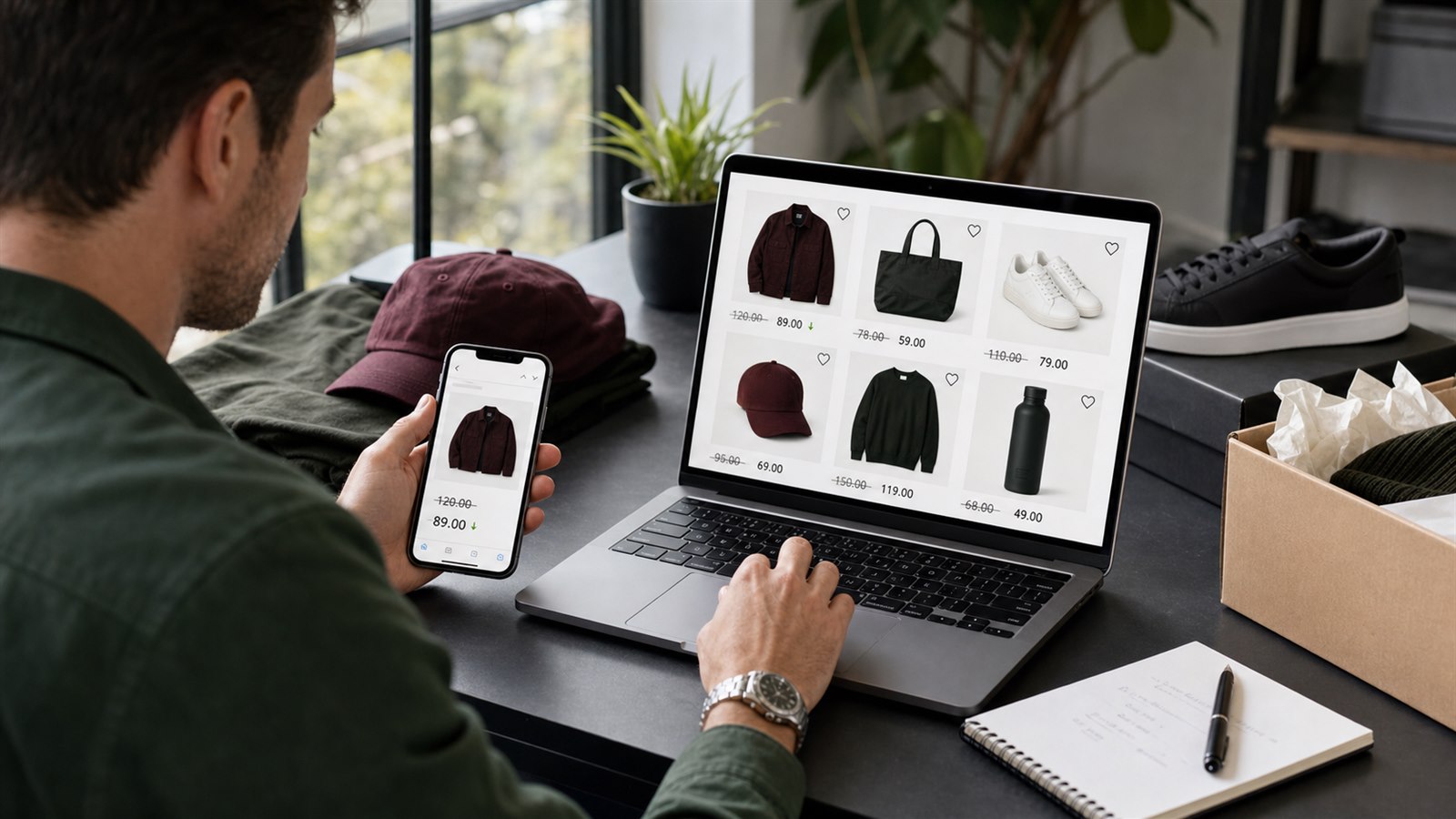
A wishlist price-drop message connects an actual catalog change with previously recorded shopper interest.
Why a price drop is different from a reminder
A Wishlist Reminder is based on time after a qualifying save. A Price Drop alert is based on a product change that meets the configured percentage threshold.
That distinction changes the message:
| Workflow | Reason to contact the shopper | Primary context |
|---|---|---|
| Wishlist Reminder | Time has passed since products were saved | The shopper's current shortlist |
| Price Drop | A saved product became cheaper by the configured threshold | Previous and current product price |
| Manual Send | The merchant has a selected campaign and audience | Campaign-specific content and offer |
A generic reminder should not claim that a product is on sale. A manual campaign with a discount code should not be presented as though the catalog price itself changed. Keeping these workflows distinct protects the credibility of the message.
Start with reachable wishlist intent
The automation needs both saved-product activity and an eligible email identity. Logged-in customers may already provide that identity. A guest who has not signed in must leave an email before the store can deliver the alert.
This is why guest saving and contact capture should be treated as separate stages:
- Let the shopper save without unnecessary friction.
- Give the wishlist enough value to justify preserving it.
- Offer sign-in or email capture.
- Use the resulting eligible identity for relevant follow-up.
Do not count every anonymous save as a future price-drop recipient. It still contributes to product-interest reporting, but it is not reachable by email until an eligible contact exists.
Read How to Add a Guest Wishlist to Shopify Without Login for the identity model.
Choose a threshold that represents a meaningful change
TValue's Price Drop trigger uses Send event when price drops by as the minimum percentage reduction required before an email can trigger. For example, a 10% threshold requires a detected reduction of at least 10%.
The right threshold depends on merchandising rather than a universal benchmark.
| Catalog behavior | Threshold consideration |
|---|---|
| Frequent small price adjustments | A higher threshold can avoid low-value notifications |
| Infrequent planned promotions | Match the threshold to changes shoppers would recognize |
| High-margin seasonal products | Decide which reductions justify direct follow-up |
| Premium or price-stable products | Use alerts sparingly to protect positioning |
| Clearance or short-lifecycle inventory | Balance relevance with the remaining purchase window |
A lower threshold increases the number of qualifying changes. A higher threshold limits alerts to larger reductions. Neither is automatically better. Review the store's typical pricing behavior before enabling the automation.
For the exact trigger setup, see Price drop alert.
Distinguish a product price drop from a discount code
A price-drop alert responds to a reduction in the saved product's price. A discount block places an offer inside an email template. These are related commercial tools, but they are not the same event.
Use the Price Drop automation when the catalog change itself is the reason to contact the shopper. Use a discount block when the store has a deliberate offer that shoppers redeem under its stated conditions. Use Manual sends when that offer belongs to a selected campaign or audience rather than an automatic catalog-change workflow.
Avoid stacking a discount code onto every price-drop alert without checking margin, eligibility, and the final customer experience. The product may already be meaningfully reduced.
See Email templates for discount blocks and Manual sends for selected campaigns.
Build an email that proves the change
The alert should make the reason for the message immediately understandable.
Useful content includes:
- The saved product image and title.
- The previous and current price.
- A direct product or wishlist action.
- Accurate availability context.
- Concise offer conditions when another promotion is included.
- An unsubscribe path and valid sender information.
The subject line should communicate the price change without exaggerating the savings. Avoid generic urgency when the actual reduction is the stronger message.
TValue lets merchants choose a saved template, edit it in the block-based email editor, preview the result, and send a test email. Review the rendered price, product link, mobile layout, and destination before enabling the automation.
Account for markets, currency, and product state
Wishlist prices on the storefront follow the shopper's active Shopify Market and currency. Email settings also control the currency used for product-price content. These surfaces should be tested together for the markets the store actually serves.
Do not assume that a translated template alone completes the international journey. Verify:
- The email language available for the recipient.
- The currency displayed in the message.
- The market opened by the product link.
- The current product and variant availability.
- Any promotion conditions that vary by region.
The product must still be purchasable when the shopper returns. A compelling price message cannot recover a variant that remains unavailable or a link that opens the wrong market experience.
See Email settings and Email templates for the available controls.
Coordinate price drops with other automations
The same saved product can participate in several recovery contexts over time. The store should decide what each automation contributes.
- Wishlist Reminder returns the shopper to a recent shortlist.
- Price Drop explains a qualifying reduction.
- Back in Stock explains restored availability.
- Low Stock communicates genuine tracked scarcity.
Do not force all four messages into one generic template. Keep subjects, product context, and calls to action aligned with the trigger.
Also review the broader email calendar. A technically valid alert can still create poor timing if it arrives beside several unrelated campaigns from the same store.
Measure more than delivery
Email History shows whether the alert was sent and provides the event timeline, including common events such as sent, opened, and clicked. The product and order reports add the commercial context after delivery.
| Signal | What it can tell you | What to check next |
|---|---|---|
| Sent but not opened | The message reached the send stage | Subject, sender recognition, and timing |
| Opened but not clicked | The email attracted attention | Product presentation and call to action |
| Clicked but not ordered | The price change created interest | Availability, landing experience, checkout, and offer conditions |
| Add to cart after wishlist activity | Intent progressed | Whether the product later appears in an attributed order |
| Wishlist-attributed order | Saved-product interest and purchase are connected | Product, market, shopper timeline, and margin |
An attributed order is evidence of a related journey, not proof that the alert was the only influence. Search, ads, direct visits, and other emails may also contribute.
See Email History, Products, and Orders for these views.
Use saved-product demand to plan price strategy
Wishlist data can help a merchant decide where a price change may matter, but it should not dictate pricing by itself.
Useful questions include:
- Which products have high current saves but low add-to-cart activity?
- Which variants attract interest but remain unavailable?
- Which products convert after meaningful reductions?
- Which products receive saves and clicks but still produce few orders?
- Does a high remove rate suggest fading interest before the promotion arrives?
Compare these patterns with inventory, margin, traffic, returns, seasonality, and completed orders. A heavily saved product may have strong demand, unresolved product-page questions, or simply a long consideration cycle.
A practical price-drop recovery plan
- Verify wishlist buttons and saved-product behavior on the live storefront journey.
- Allow guests to save and choose how eligible contact information is collected.
- Review the catalog's normal price-change patterns.
- Select a percentage threshold that represents a useful change.
- Build a dedicated Price Drop template showing the product and price context.
- Test sender information, product links, currency, market, and mobile rendering.
- Enable the automation and create a controlled test price change where appropriate.
- Confirm the resulting message in Email History and the recipient inbox.
- Review clicks, product behavior, and attributed orders over a meaningful period.
The complete trigger guide is available in How Shopify Wishlist Price Drop and Back-in-Stock Alerts Work.
Mistakes to avoid
- Treating every anonymous save as a reachable email recipient.
- Choosing a threshold without reviewing normal catalog pricing.
- Calling a discount code a product price drop.
- Sending alerts for changes shoppers would not recognize as meaningful.
- Hiding the previous and current price behind generic marketing copy.
- Ignoring market, currency, variant, and availability behavior.
- Using false urgency when the price change is sufficient context.
- Measuring opens without following clicks and attributed orders.
- Assuming attribution proves the email was the only cause of purchase.
Final recommendation
Wishlist price-drop recovery works because it connects a real merchandising event with prior product interest. Protect that relevance: use a deliberate threshold, reach only eligible shoppers, explain the actual change clearly, and evaluate the complete journey after the click.